Context and challenge
Since 28 June 2025 the European Accessibility Act has covered online shops. In Poland it came in through the act of 26 April 2024, in Germany as the BFSG. The owner of a Shopify store usually has no idea where to start. The easy way out is an overlay. It is a script that changes the page in the browser. The theme code stays exactly as it was, and that code is what screen readers and auditors get. In January 2025 the US FTC announced that accessiBe would pay a million dollars over claims its overlay did not live up to. A manual audit, on the other hand, takes days or weeks and ends in a report the owner has to hand to someone else.
AccessifyAI had to show the owner what is wrong in their store, in words they understand and in the order worth fixing it. Every problem had to lead to a specific theme file, and the store’s customers had to get help right away, before the list is done. With no promise of compliance, because no tool can give one.
Solution
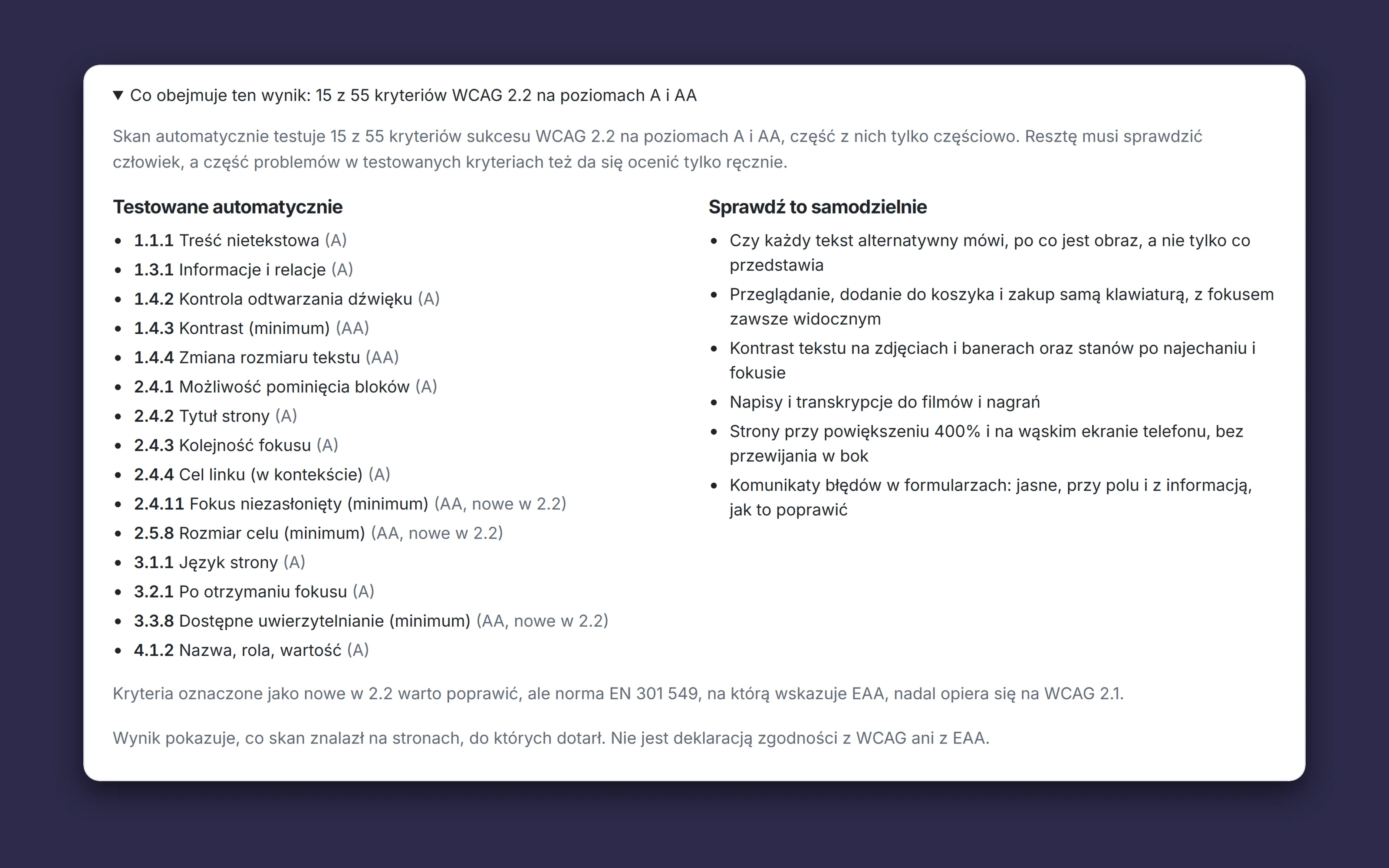
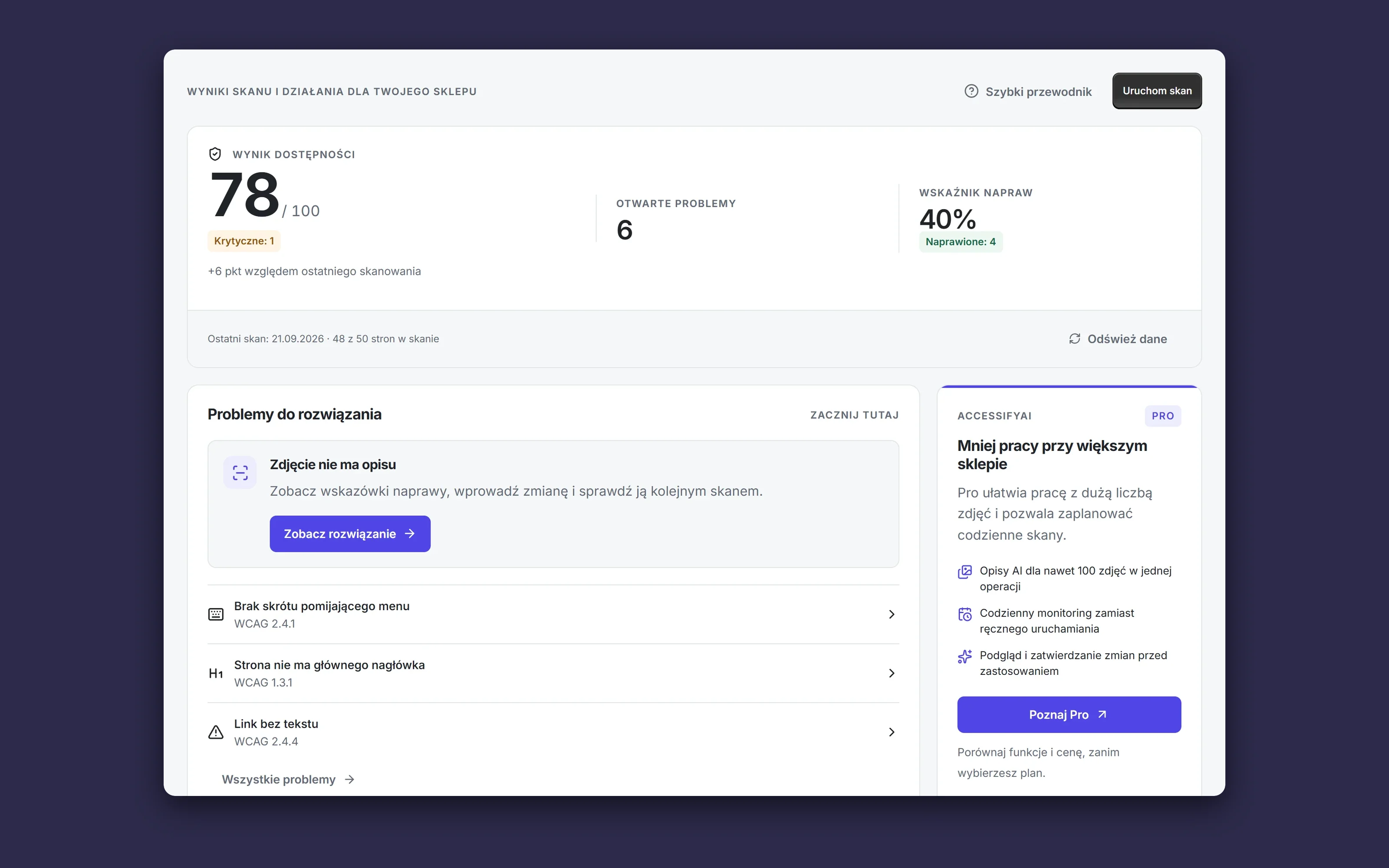
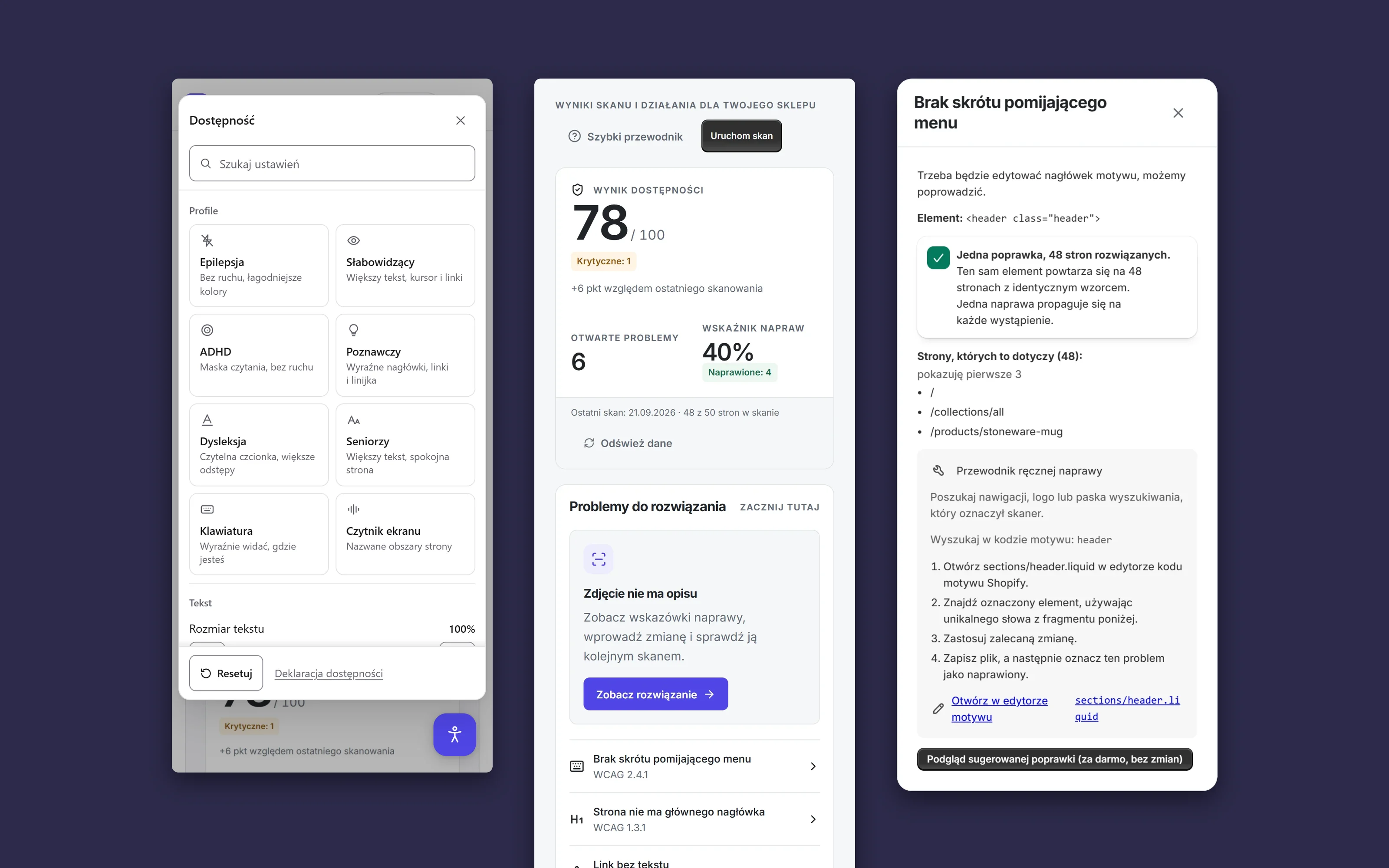
AccessifyAI is my own product in the Shopify App Store. I designed it, built it and run it: the scanner, the panel inside the Shopify admin, the widget for shoppers, the accessifyai.de site and the listing in four languages. The scanner tests 15 of the 55 WCAG 2.2 criteria at levels A and AA automatically, plus two at AAA, including the three that are new in 2.2: buttons too small to tap, focus hidden under a sticky header and a CAPTCHA at sign-in. The result says so. Its headline is how many of the 15 tested criteria pass, a panel under it lists what was tested and what a person has to check by hand, and the 0 to 100 score is a secondary line, because a score is not compliance. The first result for the home page arrives in about 30 seconds. A store behind a password can be scanned too. The password is stored encrypted.
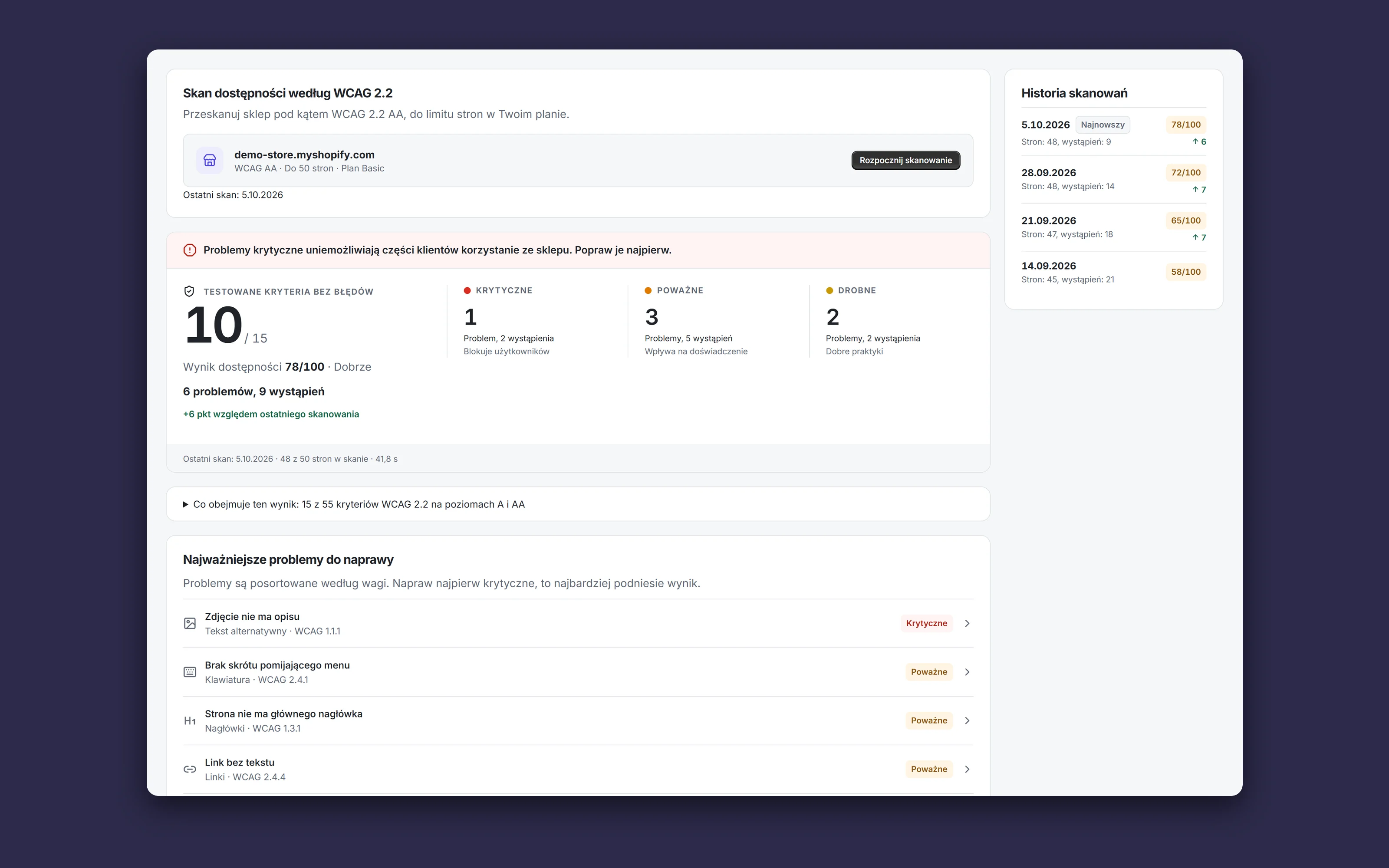
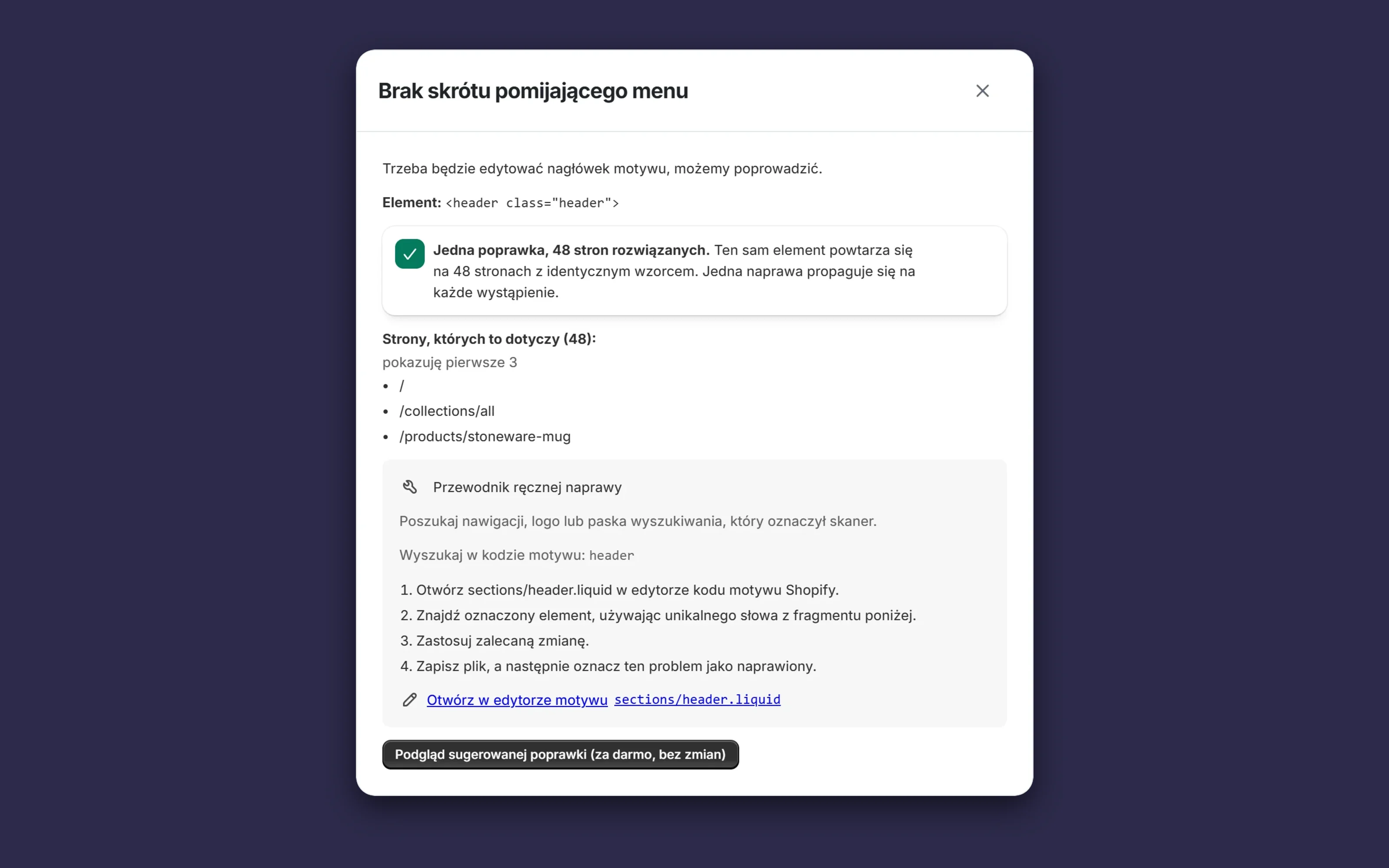
The scanner screen opens with one sentence on how the store stands, then the counts of critical, serious and minor problems and a history of scans with the change since the last one. Every problem is written for the store owner, saying what is wrong, who it affects and where to start, with the WCAG criterion next to it for the developer. An error in the header or footer shows every page it repeats on. It gets fixed once. For theme errors the app names the Liquid file and opens it in Shopify’s code editor. The owner or their developer makes the change, so nothing in the theme changes without them knowing. AI drafts descriptions of product images. On the Pro plan the model looks at the photo itself, and the owner reads and approves every draft before it goes into the store. The previous text is kept.
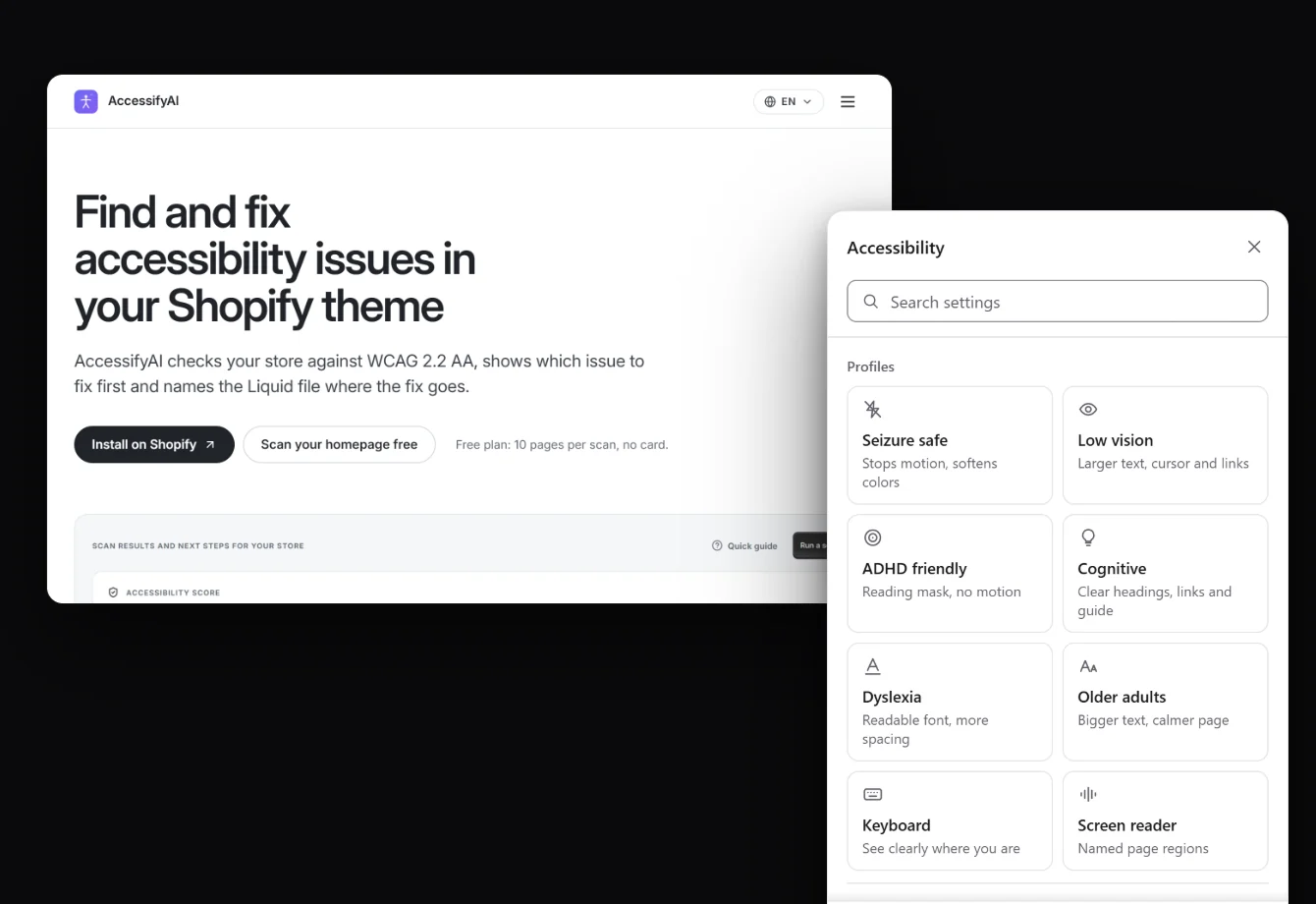
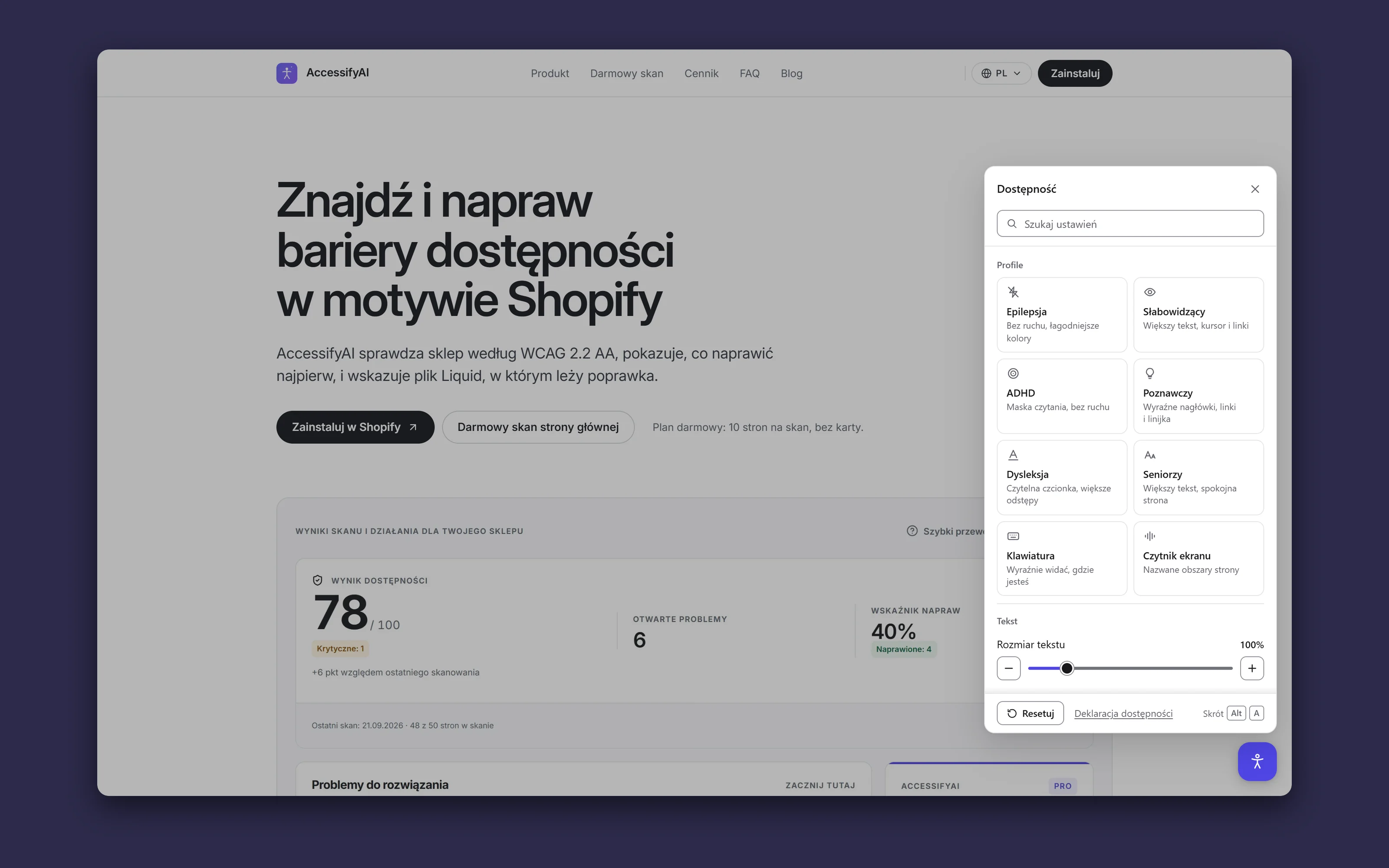
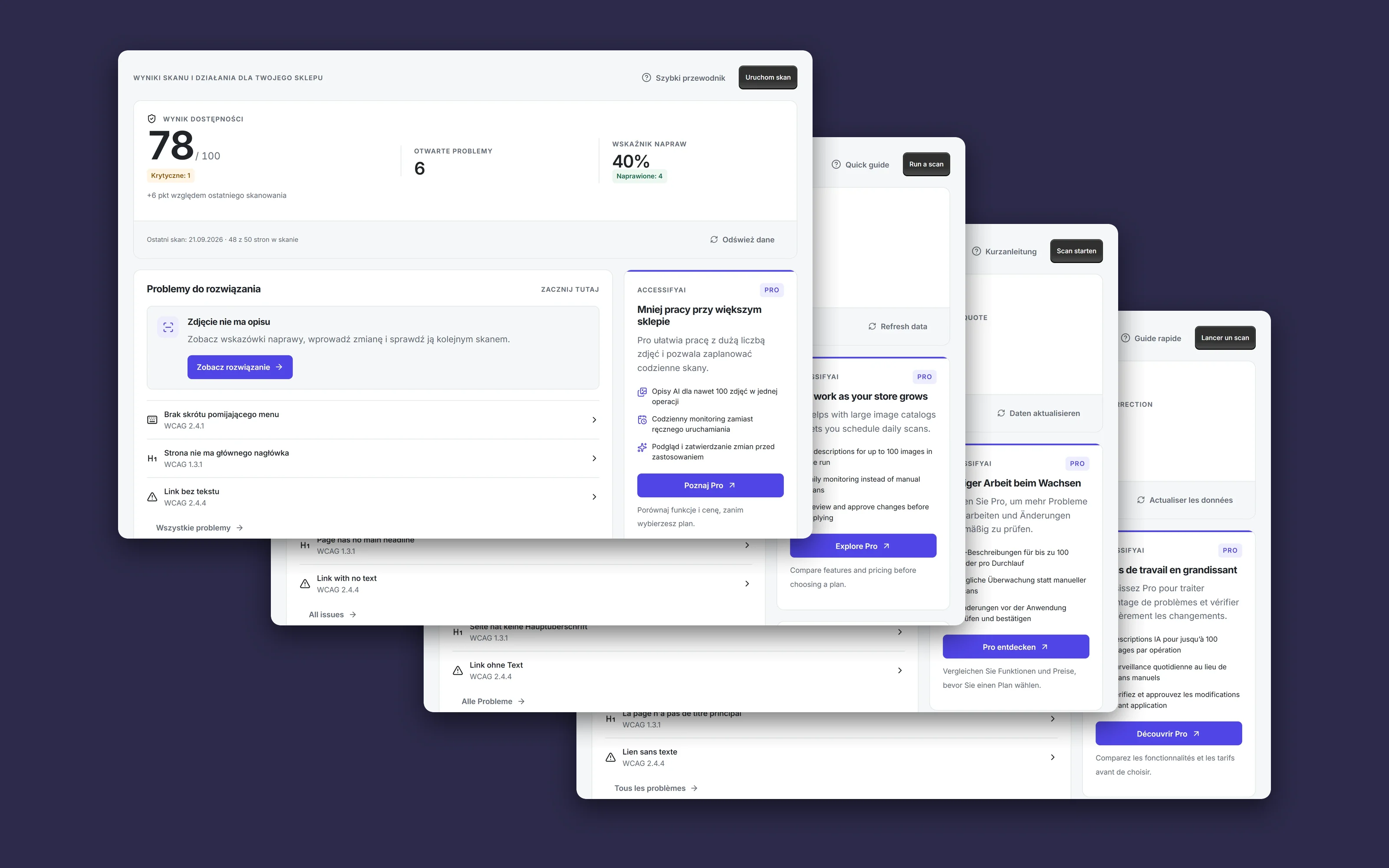
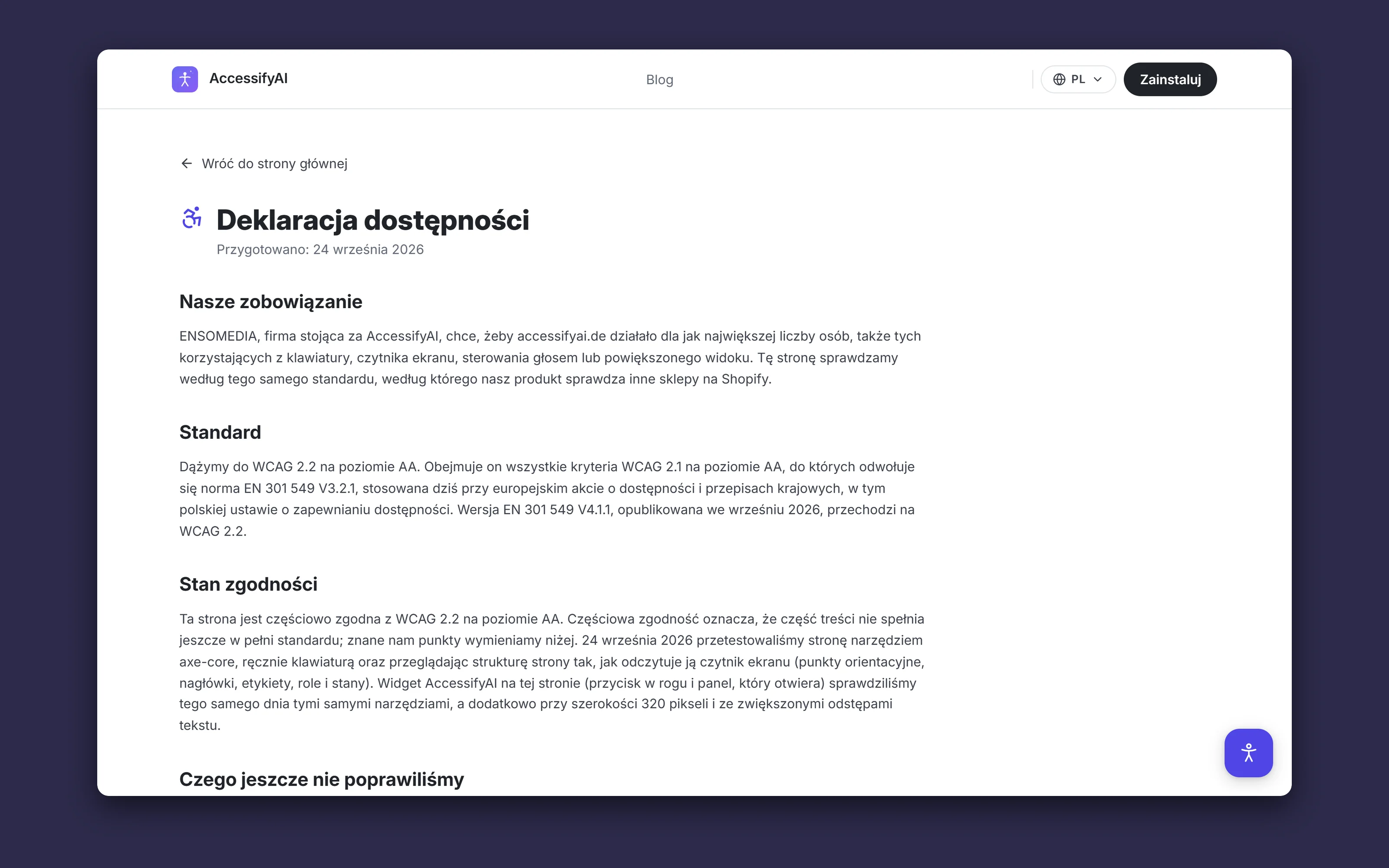
The store’s customers get a widget with eight profiles, among them for people with epilepsy, dyslexia or ADHD, for seniors and for keyboard users. On top of that come contrast, text size, a reading ruler and a magnifier. Alt+A opens the panel too. The widget helps from the first day. It does not touch the theme code, it does not pretend to fix the store, and it opens straight on the accessibility controls, with nothing to sign up for. The browser fetches the full panel only when it is opened. The app, the widget, the site and the App Store listing speak Polish, English, German and French. You can try the widget in this project’s materials, on the product’s own site.
Results and stack
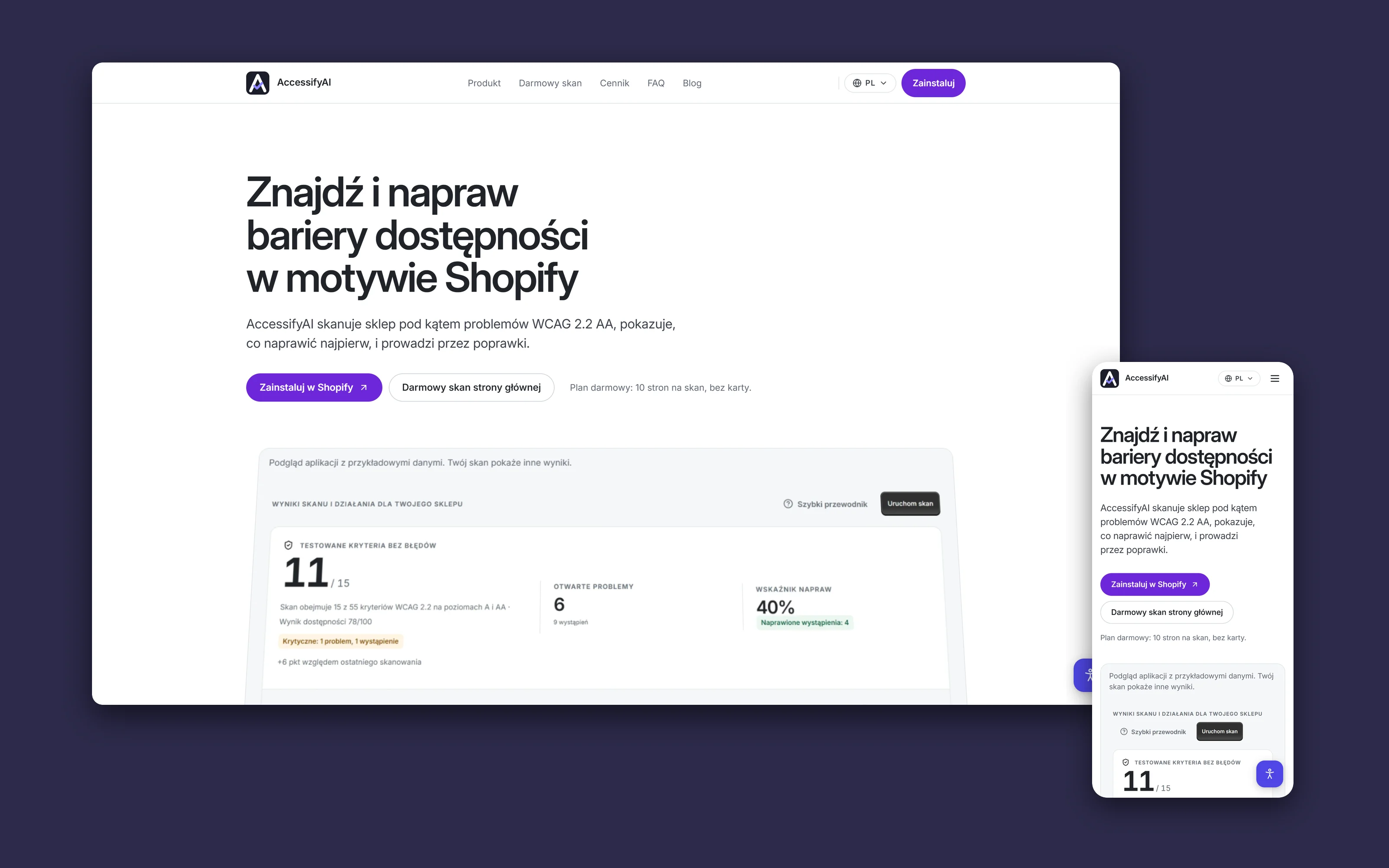
A Shopify app that finds accessibility barriers in a store, explains them in plain language and points to the theme file with the fix.
- 15 of 55
- WCAG 2.2 A and AA criteria tested automatically, the rest listed for a person to check
- 8 profiles
- in the shopper widget, from epilepsy to screen readers
- 4 languages
- in the app, the widget, the site and the Shopify listing
React RouterTypeScriptShopify App BridgePolarisPrismaPostgreSQLNext.jsGoogle Cloud Run