Solution
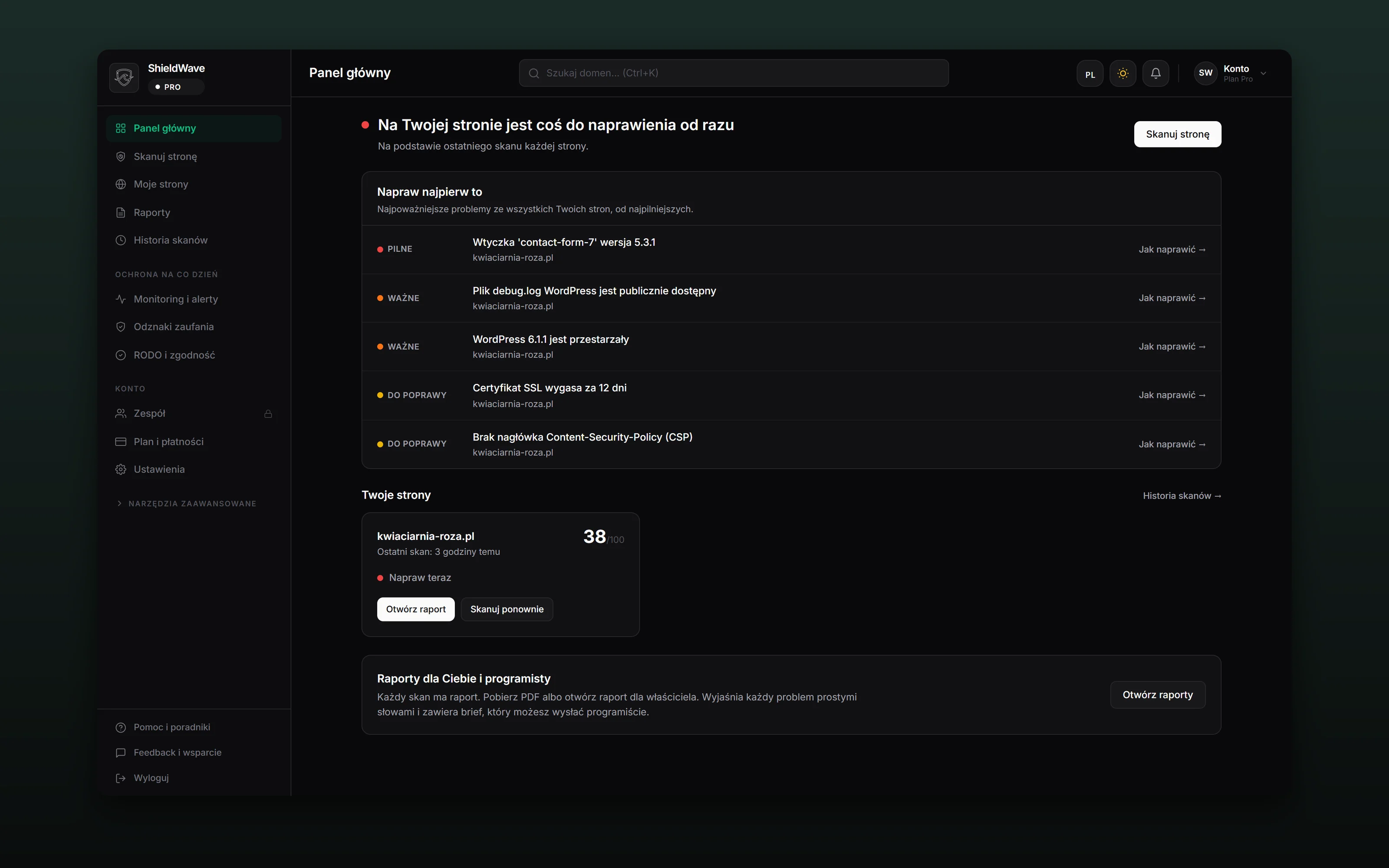
ShieldWave is my own product. I designed it, built it and run it: from the page where you type an address, through the scanner and the reports, to payments and the cloud. The scan looks at a site the way an intruder does, from the outside. It checks eight areas: the certificate and encryption, WordPress with its plugins, forms, files left in the open, email sent under the company’s domain, malicious code, forgotten subdomains and ports, and the protection the site gives the browser.
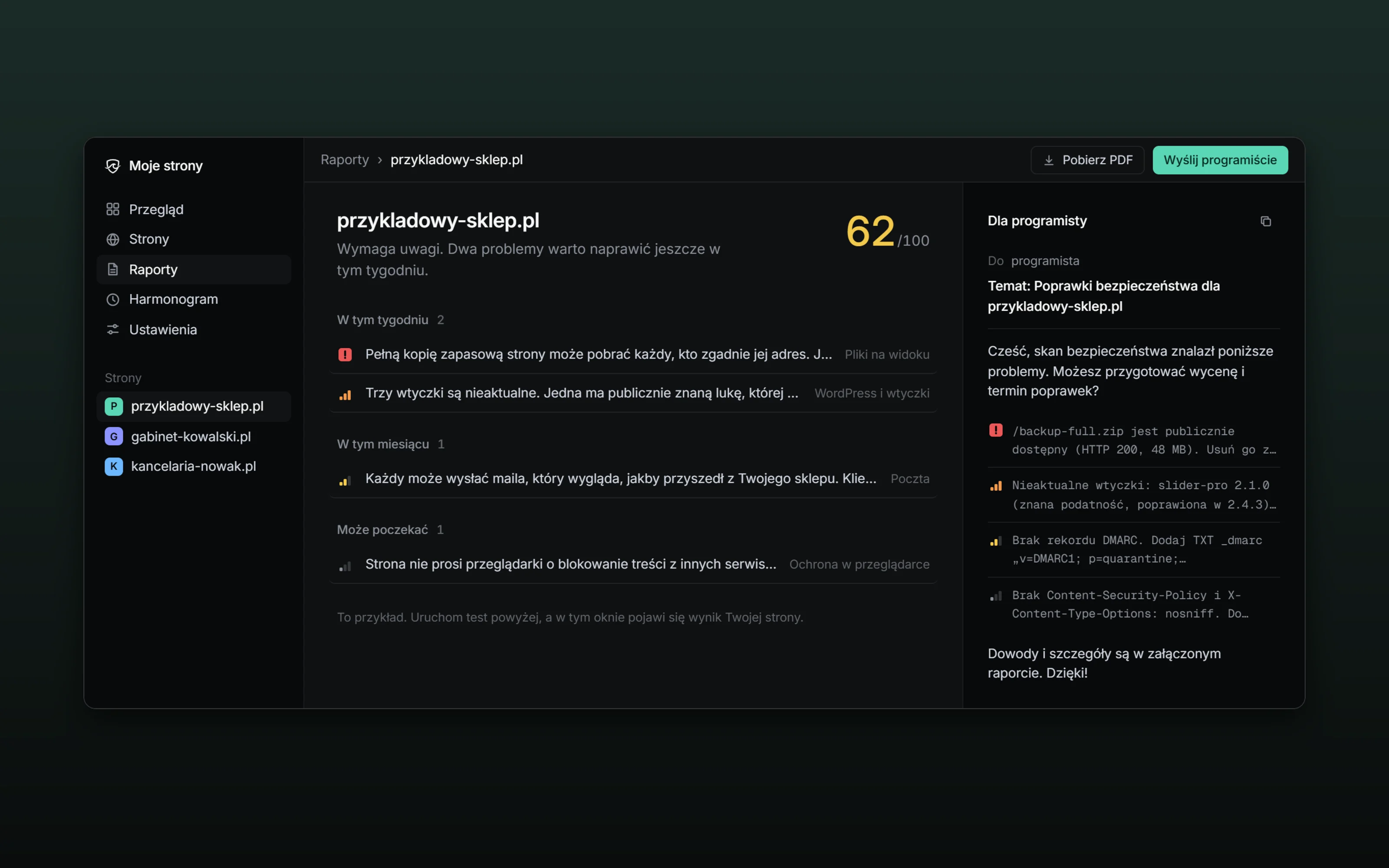
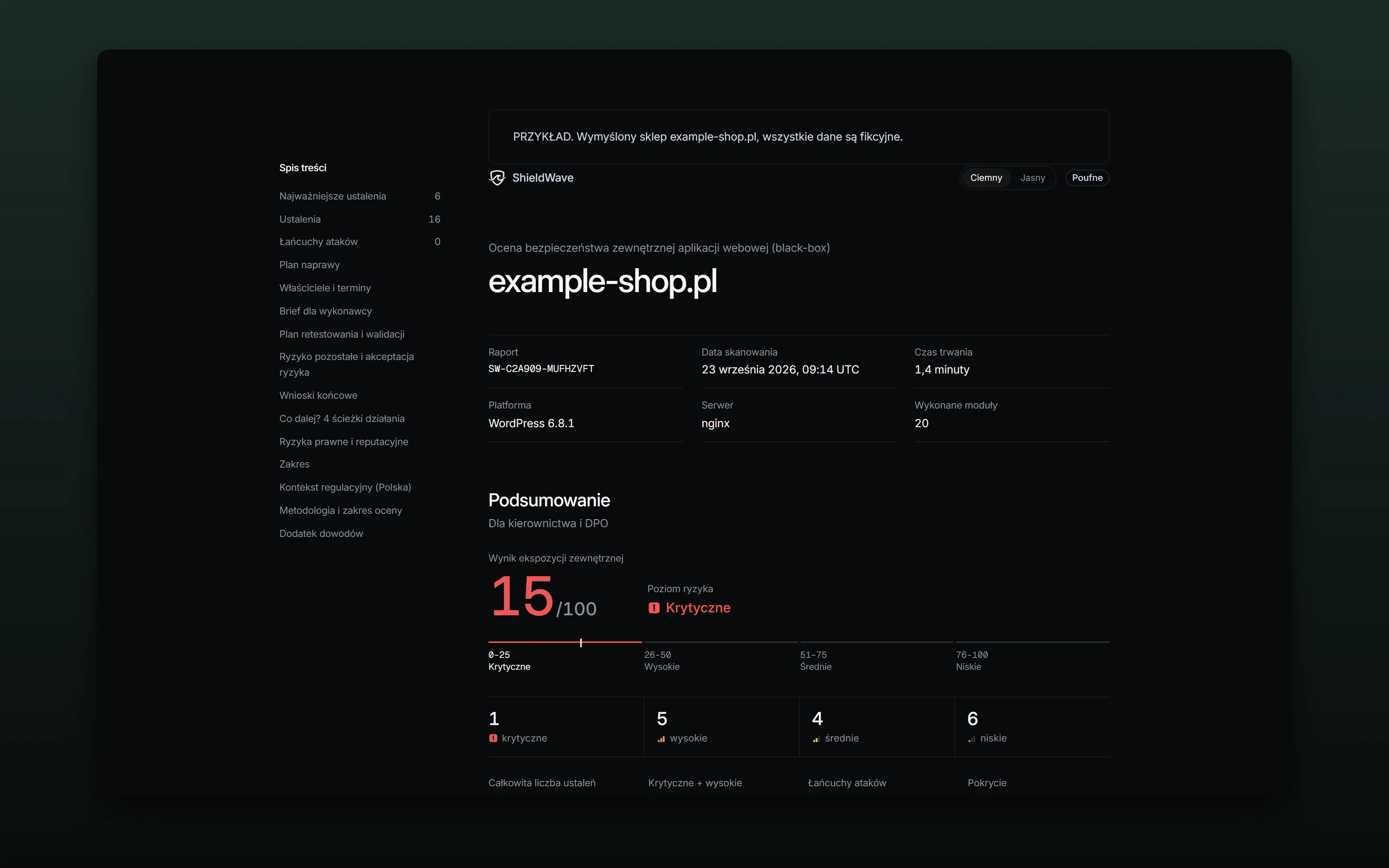
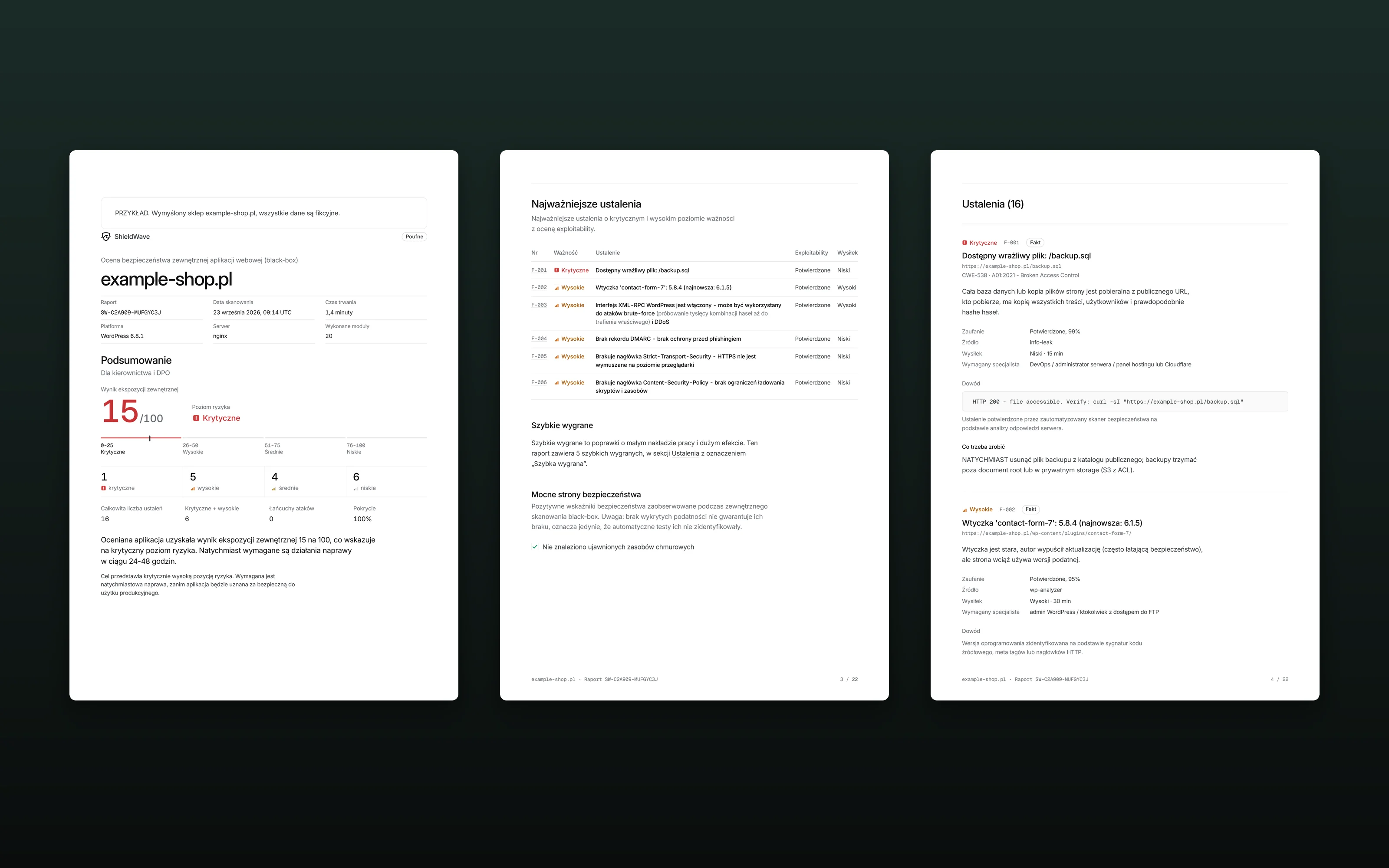
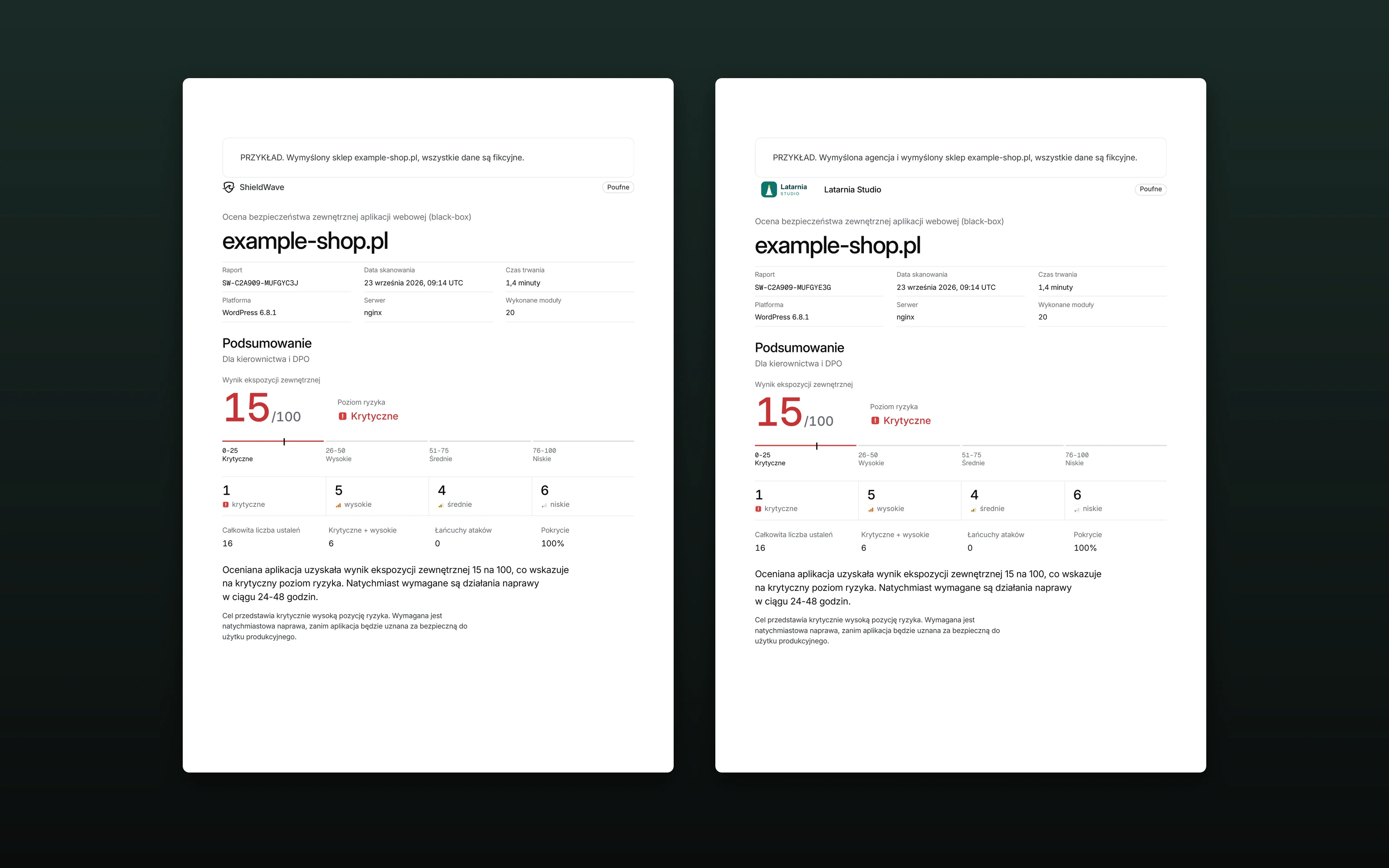
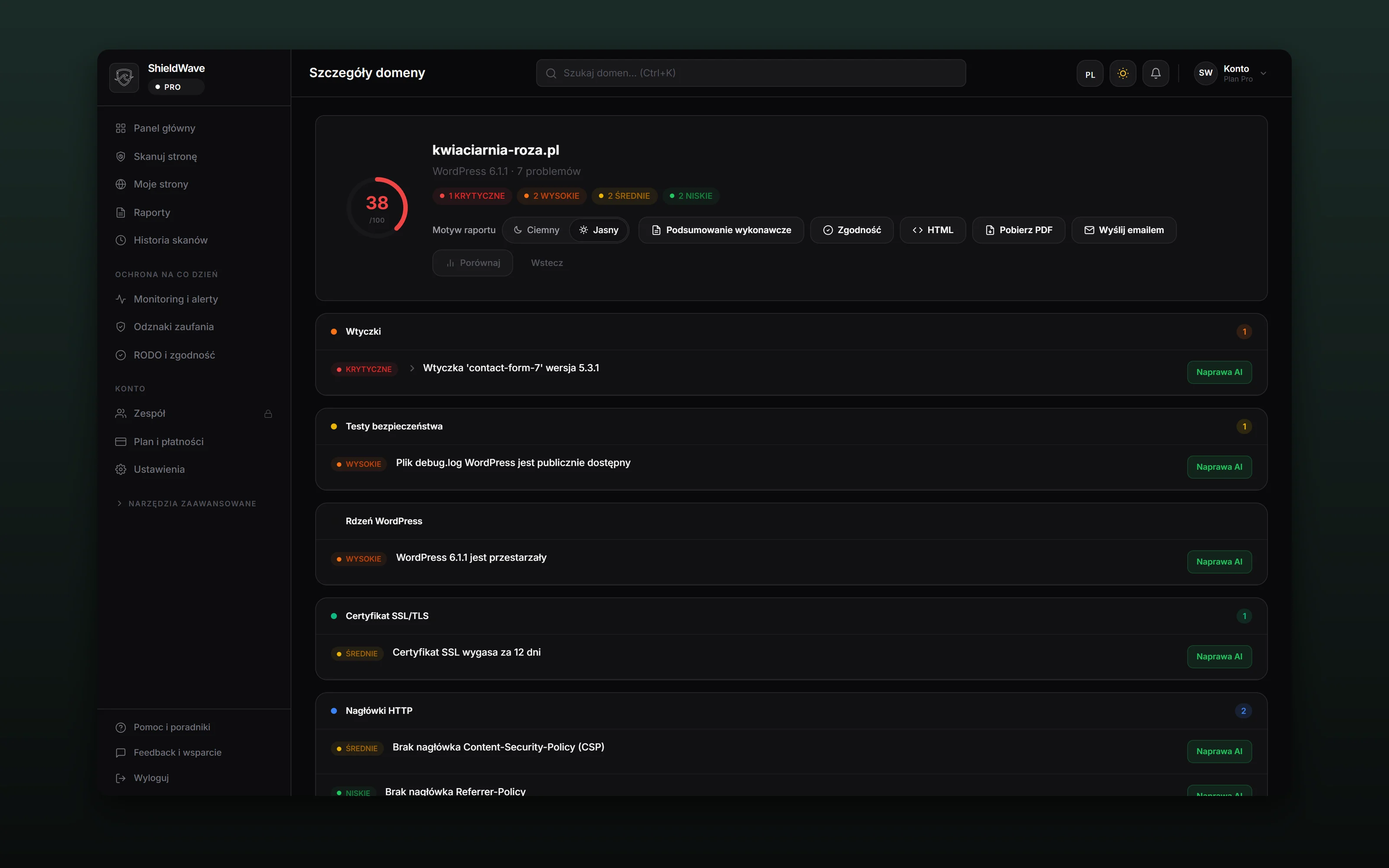
The result arrives as a report in three layers. At the top, one sentence on how things stand and a score from 0 to 100. Below it, the fixes, ordered by when to deal with them: this week, this month, and what can wait. Each finding explains what it means for the business, how long the fix takes and who should do it. The same scan produces an owner’s version, a summary for management, a compliance report against GDPR, NIS2, PCI-DSS, ISO 27001, SOC 2, HIPAA and the OWASP Top 10, and an email to the developer with the fix list and the evidence.
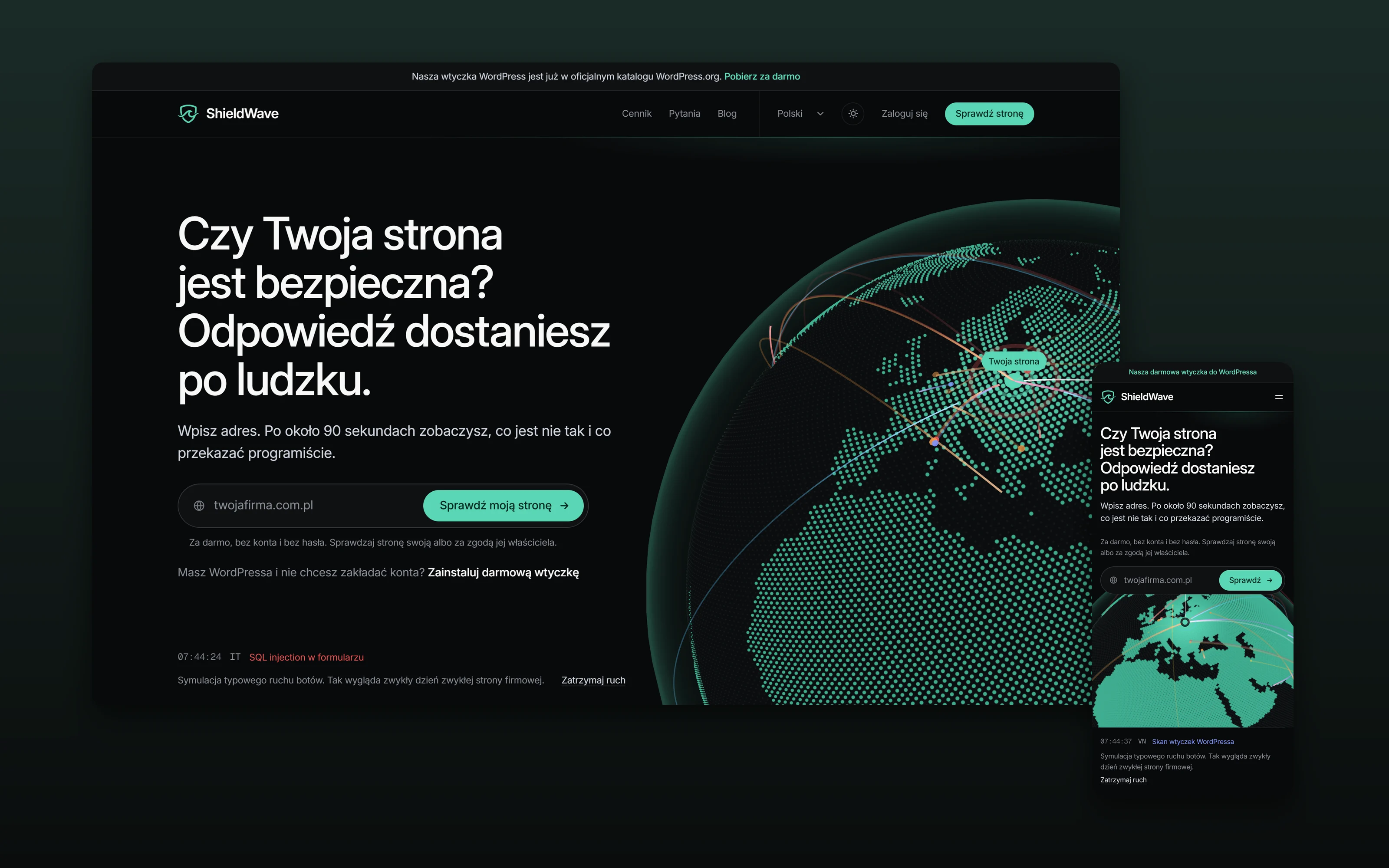
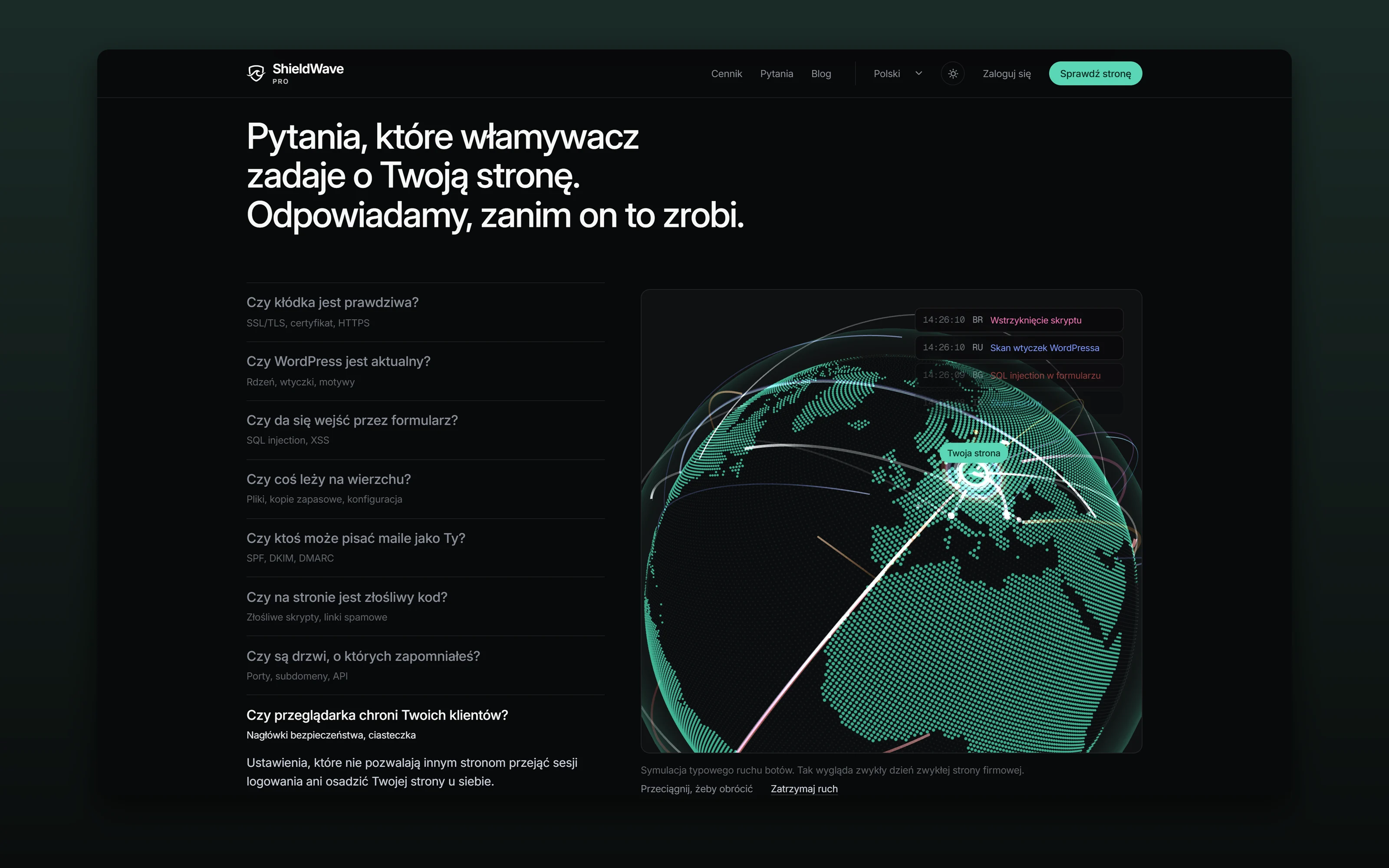
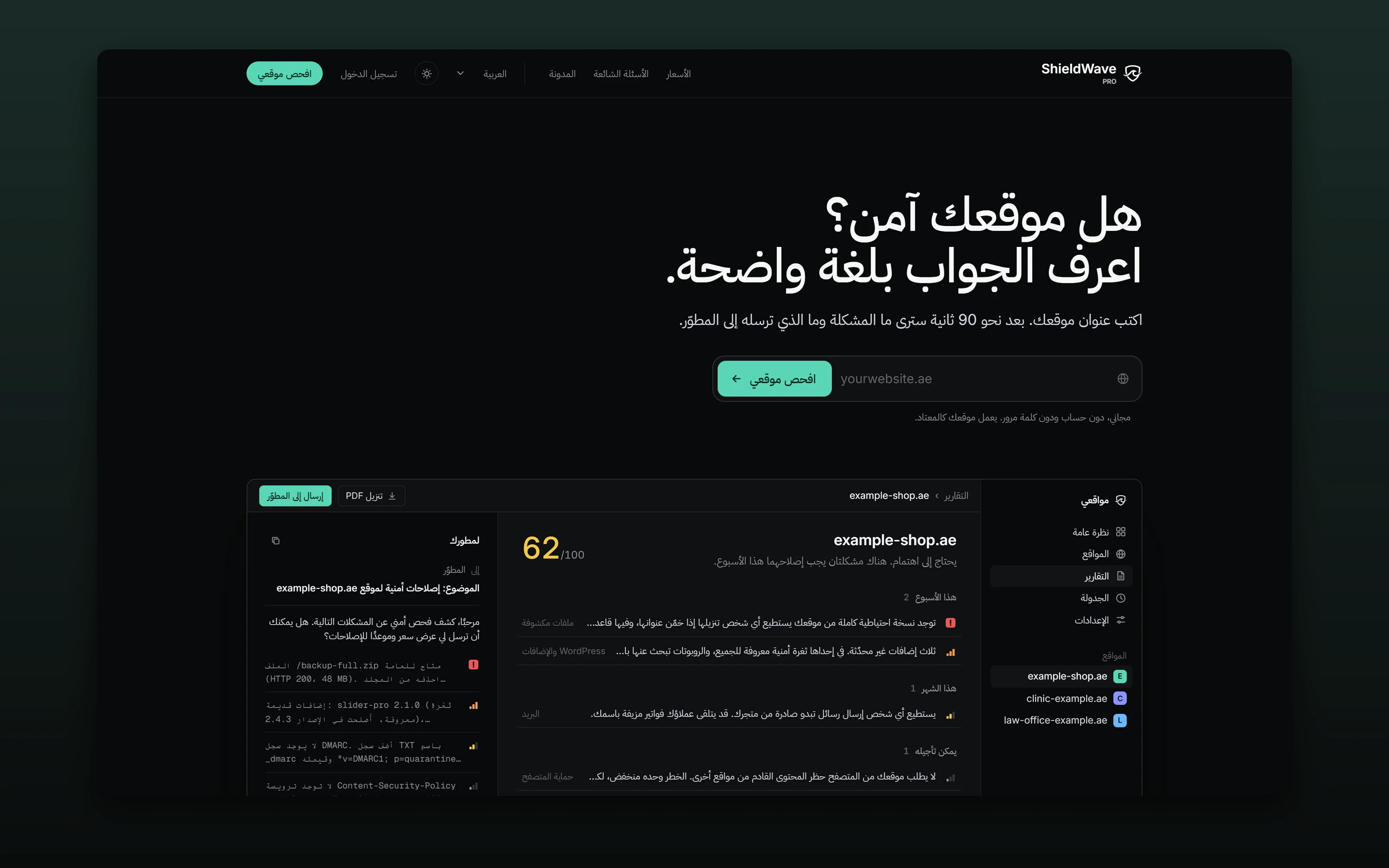
On screen the report reads in a dark theme, and the PDF prints light. The reader can switch. The app, the site and the reports all come in both themes. The interface and the reports run in six languages, including Arabic with a right-to-left layout. An agency on the Enterprise plan sends its clients the same report under its own logo and name. The product’s site has a globe that shows an ordinary day for an ordinary website: where the bots come from and what they look for. It is a simulation of typical traffic, and the page says so.
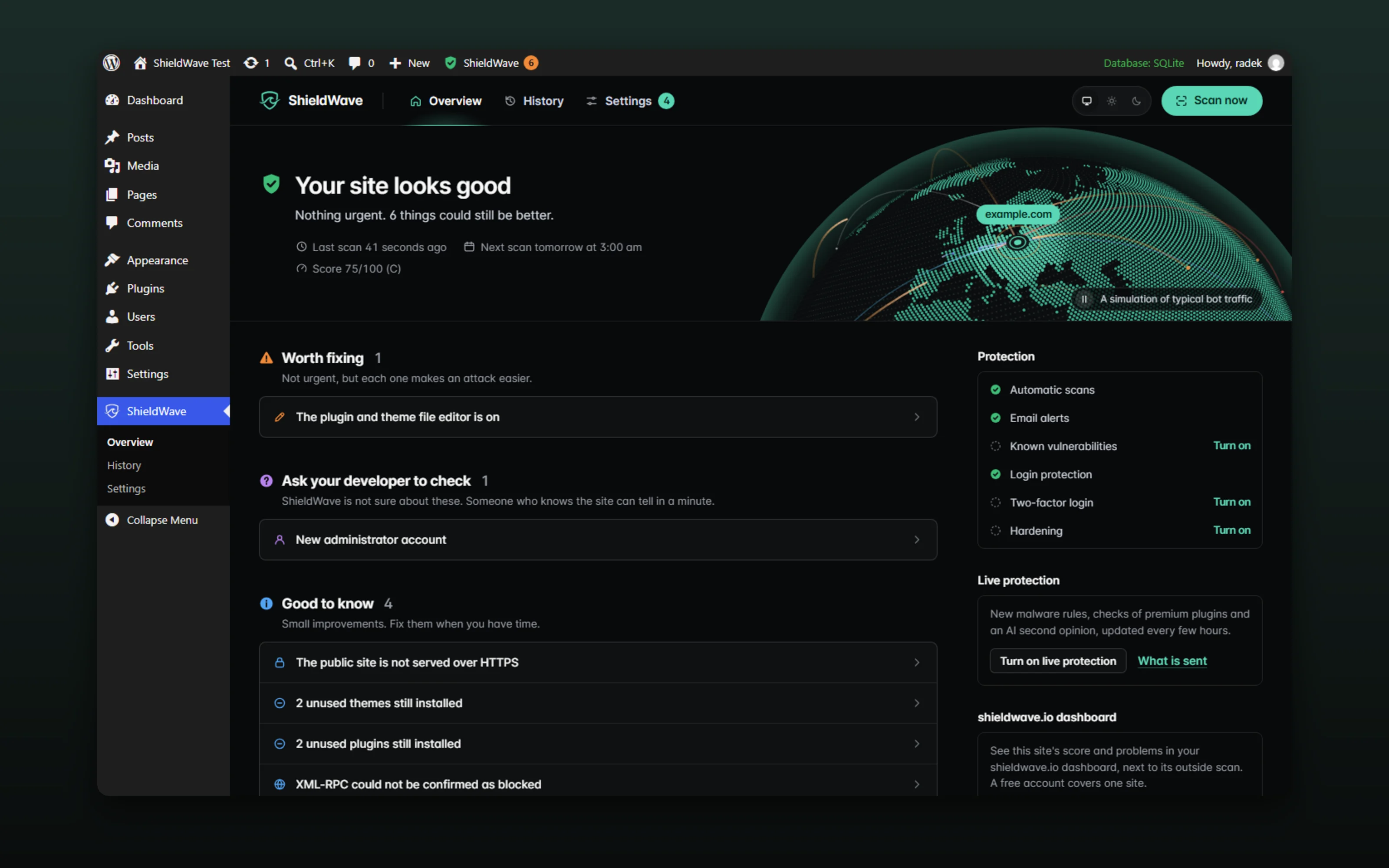
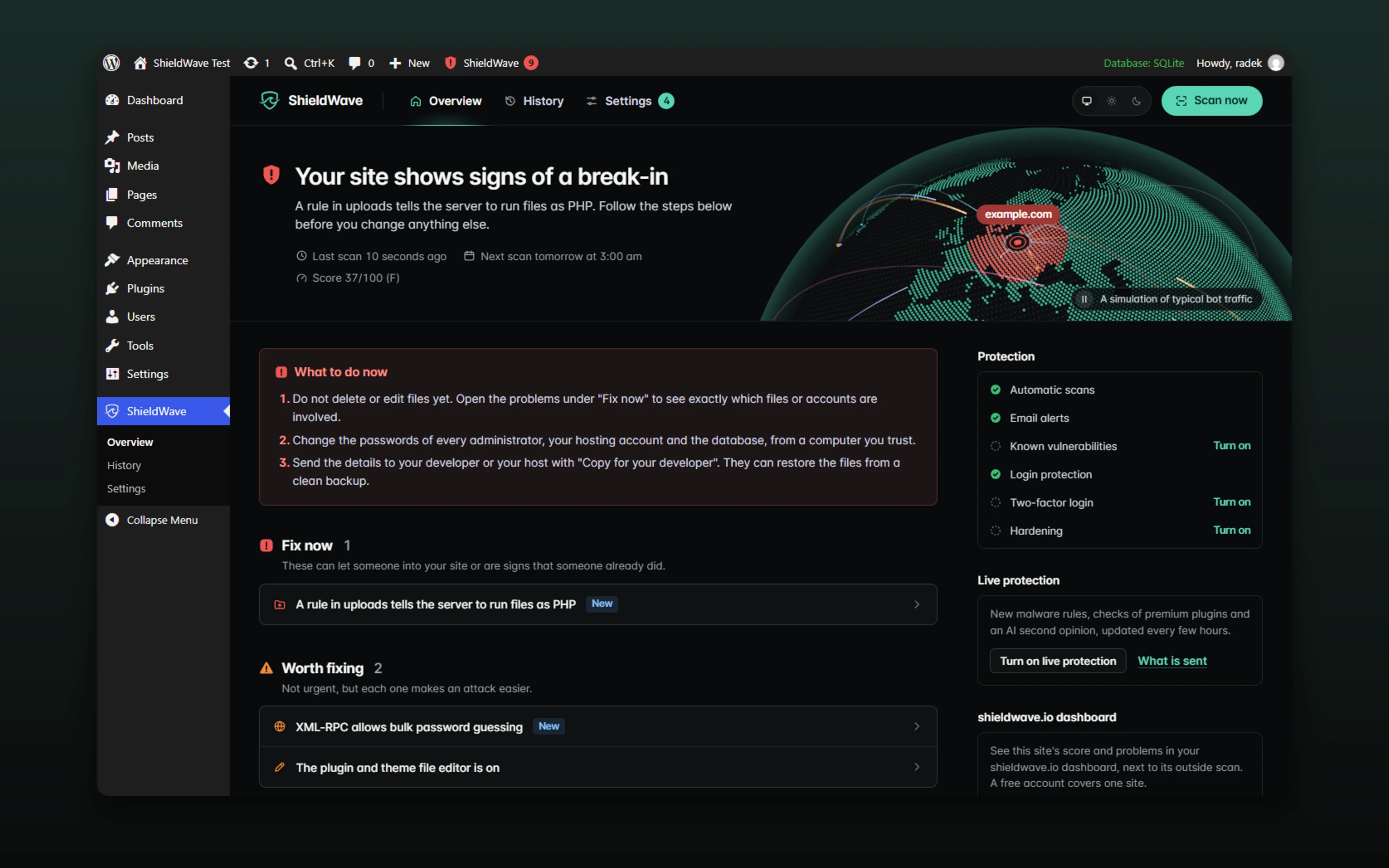
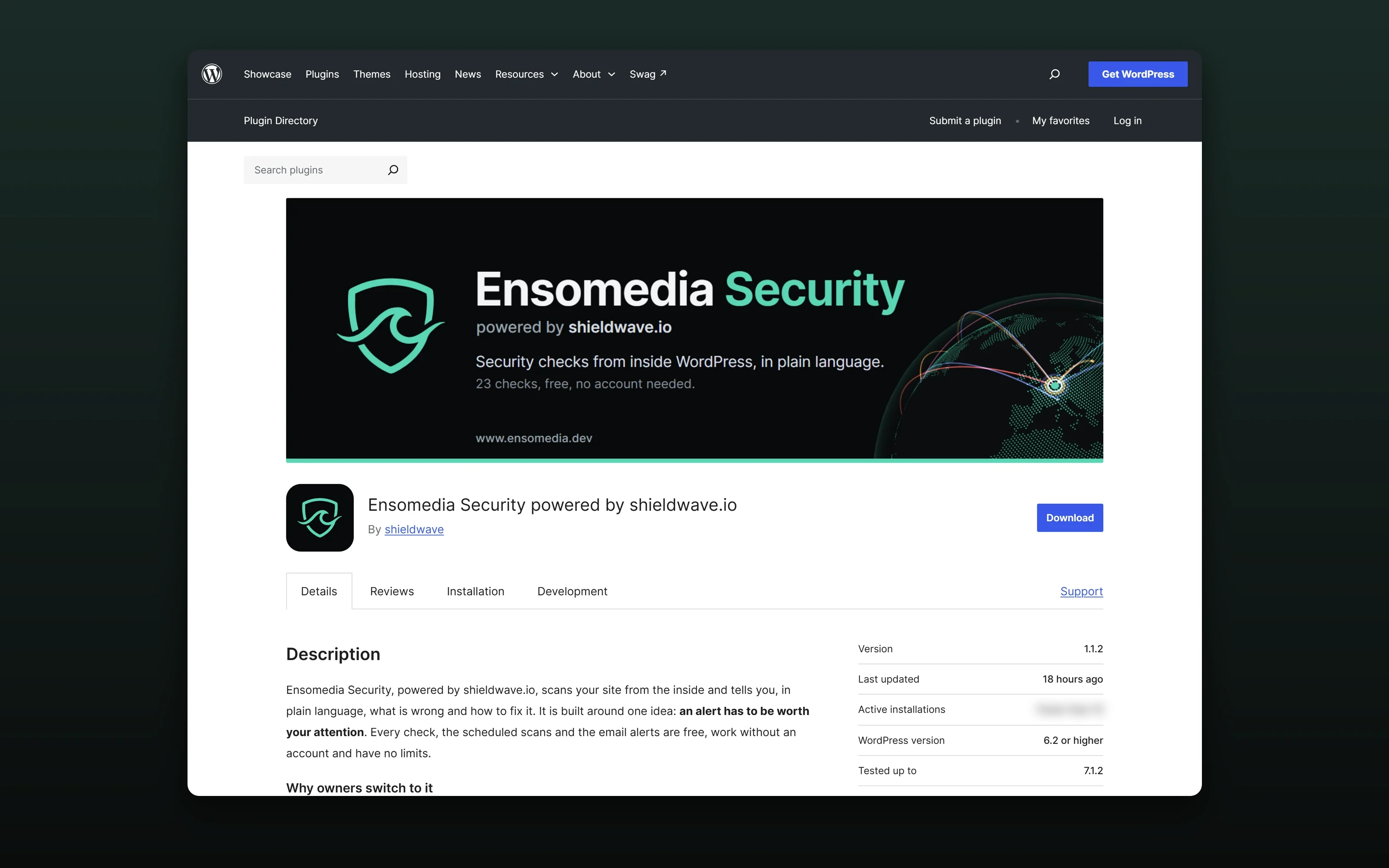
Since 28 September 2026 ShieldWave also works from the inside. The WordPress plugin is in the WordPress.org directory as Ensomedia Security powered by shieldwave.io. It runs 23 checks: core files against WordPress’s official checksums, a malware scan of the site’s files, changed files, plugins with known vulnerabilities, exposed copies of wp-config. It also protects. It locks out password guessing, hides the list of user names, adds two-factor login with an authenticator app and turns off the file editor and XML-RPC with one switch each. A signed feed from shieldwave.io keeps its rules current, and a file the rules cannot judge can get a second opinion from AI, if the owner switches that on. The plugin speaks to the owner the way the report does: one sentence on how things stand and a list of what to do.
In the same month the whole product got a new look. The site has a new first screen and a menu on phones, the report has one score that every page, email and badge repeats, and the panel names every finding in all six of its languages.
In October 2026 the product’s knowledge went live. The scanner compares what it finds with current sources instead of a list shipped inside the code: the Wordfence feed for WordPress plugins and themes, wordpress.org for the newest releases, OSV.dev for JavaScript libraries and web frameworks, the NVD for server software, retire.js for front-end libraries, CISA’s list of vulnerabilities used in real attacks and EPSS exploit probabilities. The server refreshes them every hour. When a vulnerability is published for a plugin that a connected site runs, the owner hears about it within the hour: an email, a notice in the panel and the plugin’s own hourly check. The score was rebuilt at the same time. A clean site can reach 100, a check the scan could not finish is marked instead of counted against the site, and something the site has switched off on purpose, like XML-RPC, is no longer reported as a problem. The first client site, a WooCommerce shop on shared hosting, is what showed where the old score and the old checks were wrong.
In its first weeks I ran the plugin on real WordPress sites I look after, and every false alarm there became a fix. Files an update had left behind from older WordPress releases, the index files a migration plugin writes itself, a JavaScript library inside a premium page builder and an empty debug log are no longer reported as threats, while a backdoor family found on one of those servers became a new critical rule. Before each release the plugin scans a test site with 35 popular plugins and 5 themes, and it ships only when nothing there is flagged by mistake. A finding now says which plugin, theme or folder a file sits in and what to do there, with a fuller explanation and WP-CLI steps for a developer. Unused plugins can be deleted straight from their finding, and on a multisite network the plugin speaks about the whole network.
Version 1.1.10 closed a full security audit of the plugin. Login protection now limits attempts per address and per user name, the activity log shows when someone edited or deleted its entries, and the AI second opinion removes IP addresses, server paths and database settings from an excerpt before anything leaves the site. The detection engine went through all 52,800 files of the test site without a single false alarm, and alerts say what happened and what to do without alarming the owner.
Version 1.1.12 added what the plugin did not have before: a quarantine that moves a flagged file where it cannot run and puts back the same bytes on Restore, passkeys as the second sign-in step, two-factor login required for the roles the owner chooses, a list of sessions that can be ended everywhere, PHP blocked in the uploads folder and security headers. Each one stays off until the owner turns it on.
Version 1.1.13 is the one I called perfect before shipping it, and the one the sites I look after demanded. The day after 1.1.12 a client site still showed false alarms, each with the same root cause: a plugin update between scans. The file index now keeps the official mark through the walk that follows an update, a check that had stopped with an error for three releases finishes again, and the stricter reading of a file applies only to one that stands out in a verified plugin. Before the release the engine read 147,858 files of the 200 most popular plugins, and six rules were narrowed. Then seven reviewers went through the whole plugin for the usual classes of WordPress vulnerabilities, and 36 findings were fixed with tests: from a proxy header a visitor could choose for the site to a file name that was trimmed on its way to the quarantine. The release shipped only after a test site with the plugins of five real sites, an update of a plugin, a premium plugin, a theme and WordPress core by FTP and through WordPress, and every check finishing.
In October 2026 the scanner, the panel and the plugin got one rule set, written down before any code changed. A finding needs evidence from the site itself, its severity follows what an attacker can do there now, a check that could not be verified is a note and does not lower the score, and one cause seen by several checks is one finding. Two reviewers who had not seen the earlier fixes went through the product and found what still broke those rules, among them a word in a page’s text that counted as malware and a weak cookie that grew into a critical attack chain. A third review looked for what the scanner missed: vulnerabilities from the Wordfence feed for every plugin and for WordPress itself, an SQL injection hidden because a firewall’s name appeared on the page, scripts loaded from a host on a malware list. Plugin version 1.1.17 holds the score down while a critical finding is open and recognises backdoors that write their own PHP files. Its new rules read 147,858 files of the 200 most popular plugins and flagged none of them.
Version 1.1.18 can install security updates by itself: for the plugins the owner chooses, WordPress installs a release that fixes a known vulnerability and puts the previous version back if the update fails. Version 1.1.19 recognises four kinds of script that hacked sites use against their visitors: a fake CAPTCHA that asks the visitor to paste a command, a fake browser update, code read from a blockchain contract and a card skimmer. A finding needs every sign of its kind in one script, and the new rules read 147,858 files of the 200 most popular plugins, payment plugins among them, without flagging one. The same version can set decoys: login names no account has and a path in robots.txt that nothing links to, and tells the owner when someone uses them.